Language: English

Timeline

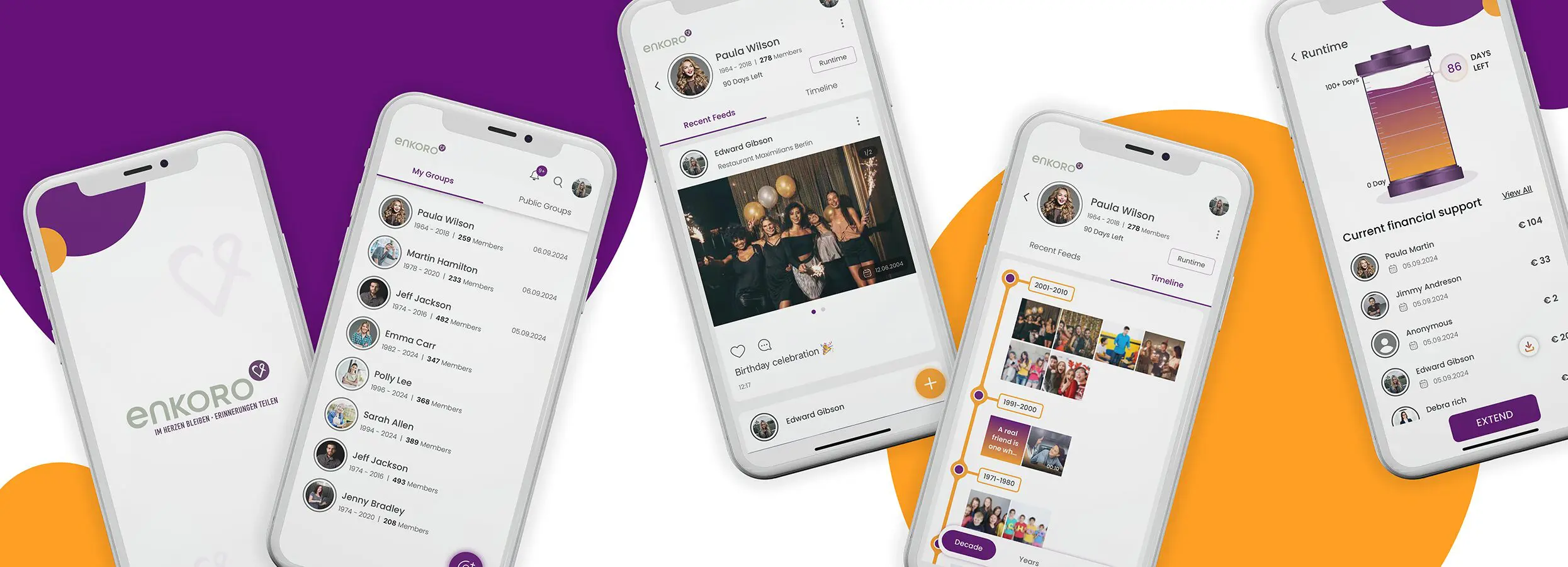
All contributions in the form of photos, videos and texts are displayed on a timeline according to date.
The more contributions there are, the fuller the timeline will be and, ideally, the life of the deceased person in this group will be traced quite accurately.

You can display the timeline by decades, years or categories and then click on individual posts to take a closer look at them.
You can also like or comment on posts.

Text contributions

In addition to videos and photos, you can also save shared experiences as a post with a date.
This post will then also appear on the timeline of the deceased person.

Silo

You can view the remaining duration of your group at any time by clicking on ‘Duration’.
There, the fill level of the ‘Silo’ shows how many days the group is still available online.
Each time a group member joins, the fill level of the silo increases by the corresponding number of days.

My groups

All groups in which you are a member are listed here.
You can see whether one of these groups is a public group or a private group by clicking on the sticker below the group photo.

Notifications

You will see a ‘bell symbol’ at the top of your screen.
If you click on it, you can view all notifications in chronological order.
There are also the following classifications:

  • All – here you can see all notifications
  • Report – As an administrator, you can see conflict reports from your group members here
  • Approval – As an administrator, you can see all membership applications here (if memberships must be approved by the admin)
  • Likes
  • Contribution – All your financial contributions to individual groups are listed here
  • Comment

Forgotten password

If you are logged out and have forgotten your password, click on ‘Forgot password’ on the login screen and then enter your email address and click on the orange ‘Confirm your email’ button.
You will then receive an email with a ‘New password’ link.
Click on the link and enter your new password 2* in the following window.
Click on the orange ‘Reset password’ button to set a new password.
You can then log in as normal using your email address and your new password.

Register

We need some information from you for the registration process.
Mandatory fields are:

  • First name
  • Last name
  • Alias
  • Email address
  • Mobile number

The other fields do not need to be filled in.
After clicking on Register, you will receive an SMS with a 4-digit verification code.
Please enter it and click on Verify by phone.
Alternatively, you can also verify yourself by email.
To do this, click on ‘Confirmation by e-mail’ and follow the instructions.

Dedication

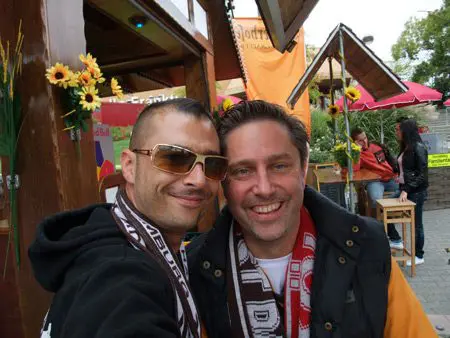
Bashar and Peter
Baschar (l), Peter (r)


This app is dedicated to my friend Baschar Al-Frangi. Baschar left this world far too early. He was such a talented person and could have achieved so much.

Post of others not liked

Each group member can report contributions (movie, picture, text) to the group administrator. The group administrator then decides on the whereabouts of the post.
You can indicate why you do not like a post in the message.
You can choose from the following options: The post

  • is unfavorable
  • infringes copyrights
  • shows or mentions me without me wanting it
  • I just don’t like it
  • has other defects (please explain)

ENKORO -Why?

A few years ago, the inventor of this app was hit very hard by the news of the death of a loved one.
Without further ado, he converted a website into a condolence website.
Many friends, acquaintances and relatives used the platform to share memories and upload photos.
The website was an important source of support for many people. ENKORO builds on this experience. We will ensure that the memory of loved and valued people is preserved for many grieving people.

Back To Top